Editable lessons
Work with a structure of units and lessons and adjust the text from the visual editor.
Conocer StudioCREATE / INTERACTIVE COURSES
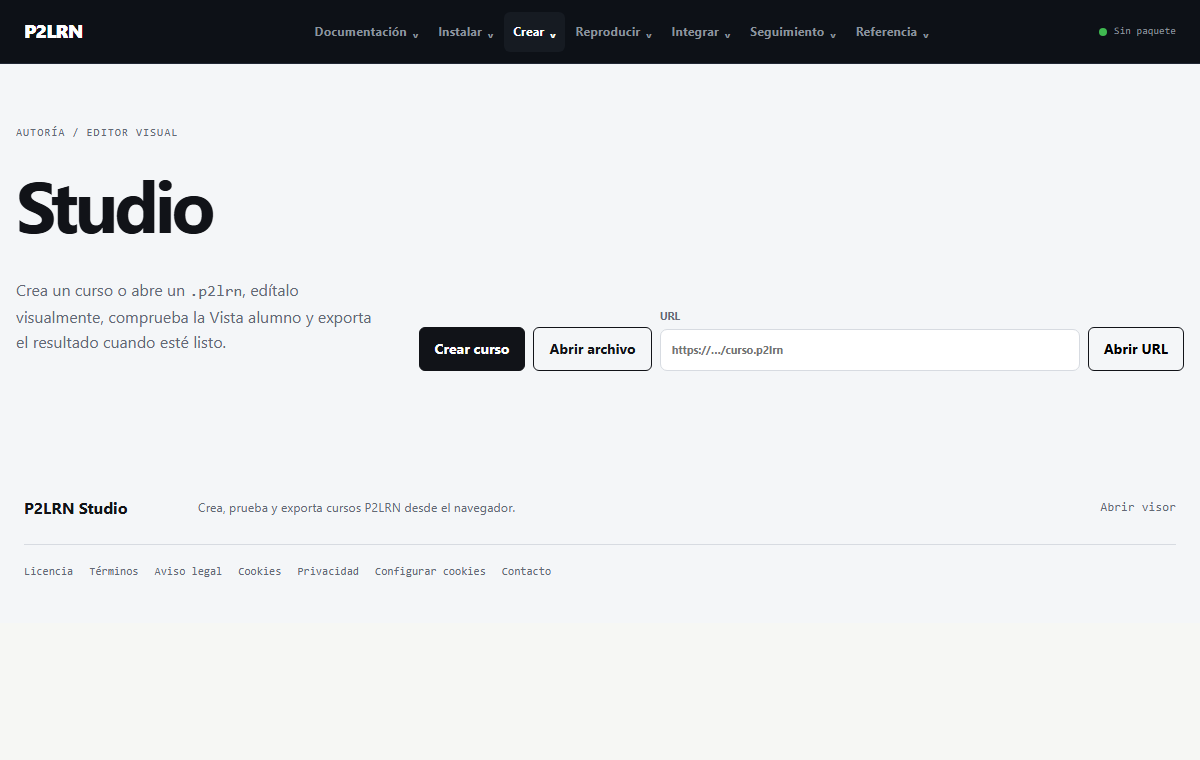
P2LRN Studio brings together lessons, activities and learner view in one visual editor. You can prepare a course, test it, and export it as a .p2lrn package to play with Player.
FROM EDITOR TO COURSE
In Studio, press “Create Course” and organize the units and lessons that the learner will see.
Edit text and images from the interface and use “Add Content” to add tests and compatible games.
Toggle between editing and learner View to review the output before distributing it.
Download the .p2lrn file and open it with Player or integrate it into the target environment.
CAPACIDADES REALES
Work with a structure of units and lessons and adjust the text from the visual editor.
Conocer StudioAdd assessments and activities from the interface without having to edit internal course files.
See activitiesKeep the course in a .p2lrn package. To distribute it, use the Player or offline delivery.
Understand the formatCOMMON QUESTION
No. You can create and export a package from Studio. If you want enrollment, identity services, or other features from a platform, you will need to integrate it with the corresponding system.
NEXT STEP
Open the viewer to check a package or view delivery instructions for learners without LMS.